



Fluent Forms Integration in Commandify
- What Is Fluent Forms?
- What You Can Do with Fluent Forms in Commandify
- Search Fluent Forms Instantly
- Search and Manage Form Entries
- Pattern Recognition for Fluent Forms Entries
- Find Posts and Pages Containing Fluent Forms
- Transaction Search (Fluent Forms Pro)
- Performance & Security Considerations
- When Fluent Forms Plus Commandify Is Most Useful
- Requirements
The Fluent Forms integration in Commandify allows you to manage forms, entries, and related transactions directly from the command palette, without navigating through the WordPress admin menus or Fluent Forms Settings.
Instead of switching between multiple screens, you can search forms, review submissions, locate related content, and take actions instantly using a keyboard-first workflow (Cmd/Ctrl + K). This integration is designed for site owners, agencies, and support teams who regularly work with form data and want faster, interruption-free workflows.
Availability: Commandify Pro
Supported versions: Fluent Forms (Free & Pro), Commandify v1.0.5+
What Is Fluent Forms? #
Fluent Forms is a fast, flexible WordPress form builder used for creating contact forms, surveys, lead generation forms, and payment-enabled forms. It’s widely adopted because of its performance, intuitive builder, and strong ecosystem of integrations.
Many WordPress sites rely on Fluent Forms to:
- Collect leads and contact requests
- Handle customer inquiries and support tickets
- Process payments and transactions
- Store form entries for later review
As sites grow, managing forms and submissions through the default Fluent Forms dashboard can become time-consuming. Commandify solves this by bringing Fluent Forms directly into the command palette, so you can search, inspect, and act on form data without breaking your workflow.
What You Can Do with Fluent Forms in Commandify #
Commandify brings action-driven form management to Fluent Forms. You can search, inspect, and act on forms and submissions from anywhere in WordPress- even while working on unrelated admin screens.
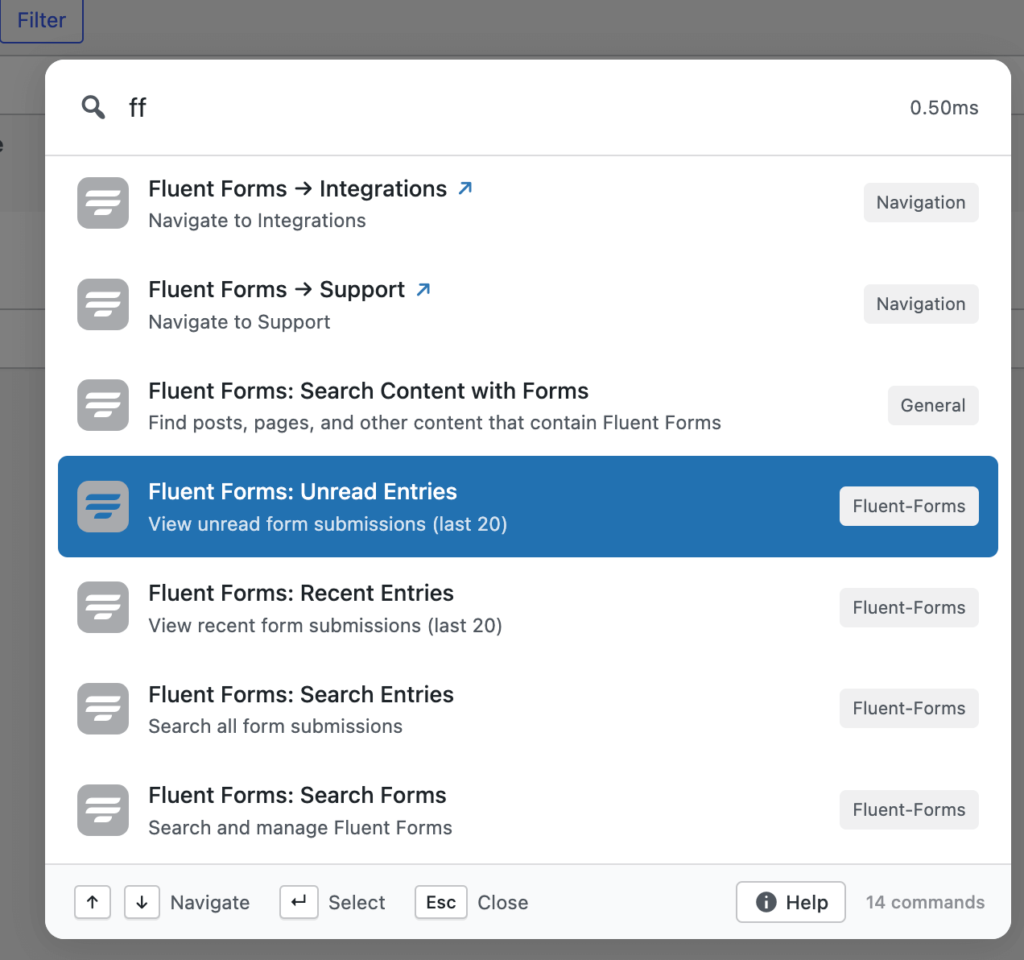
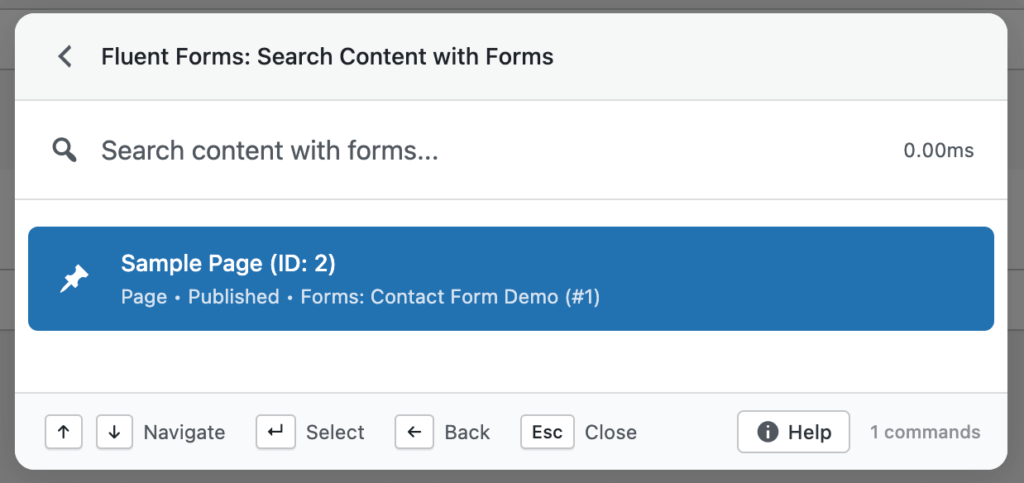
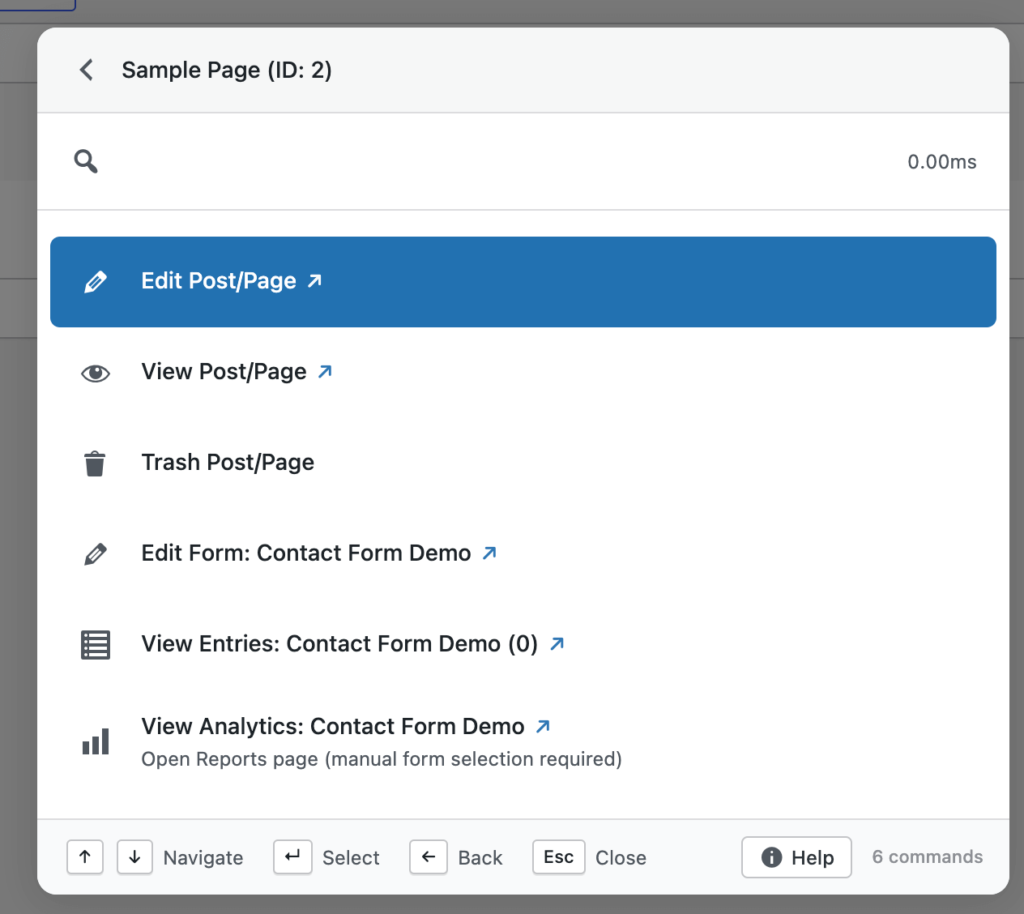
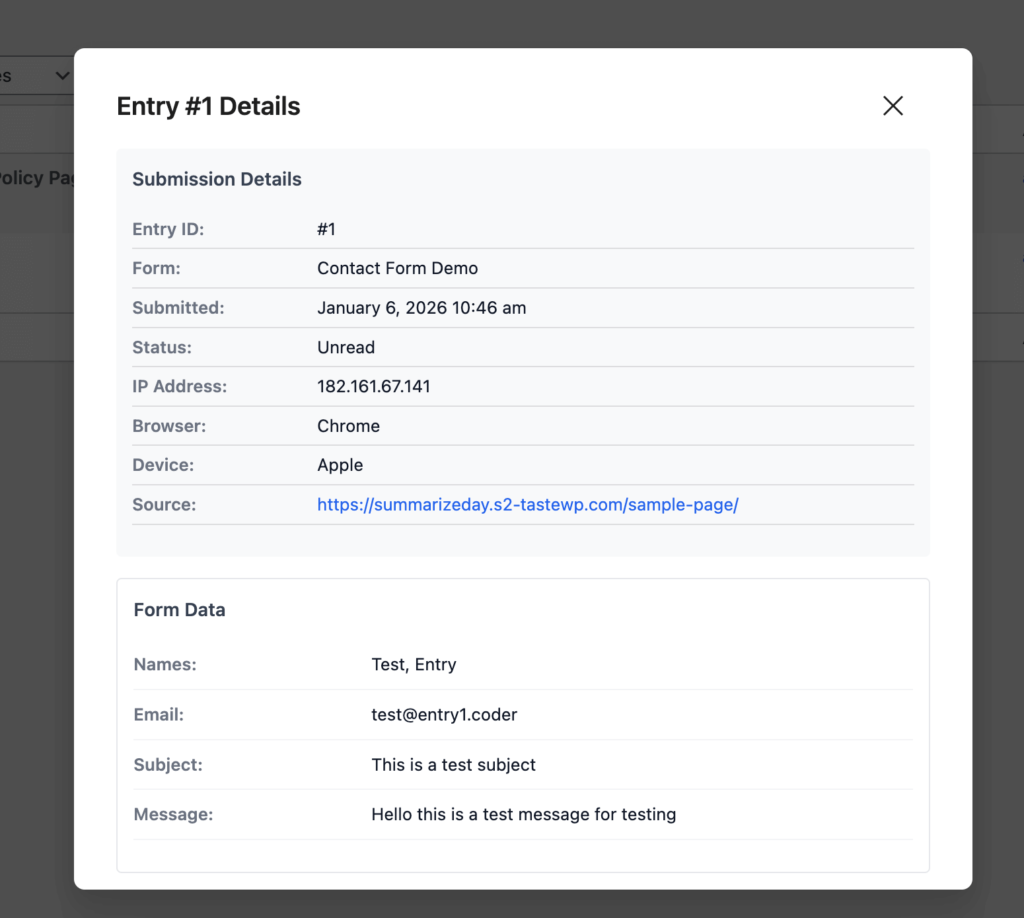
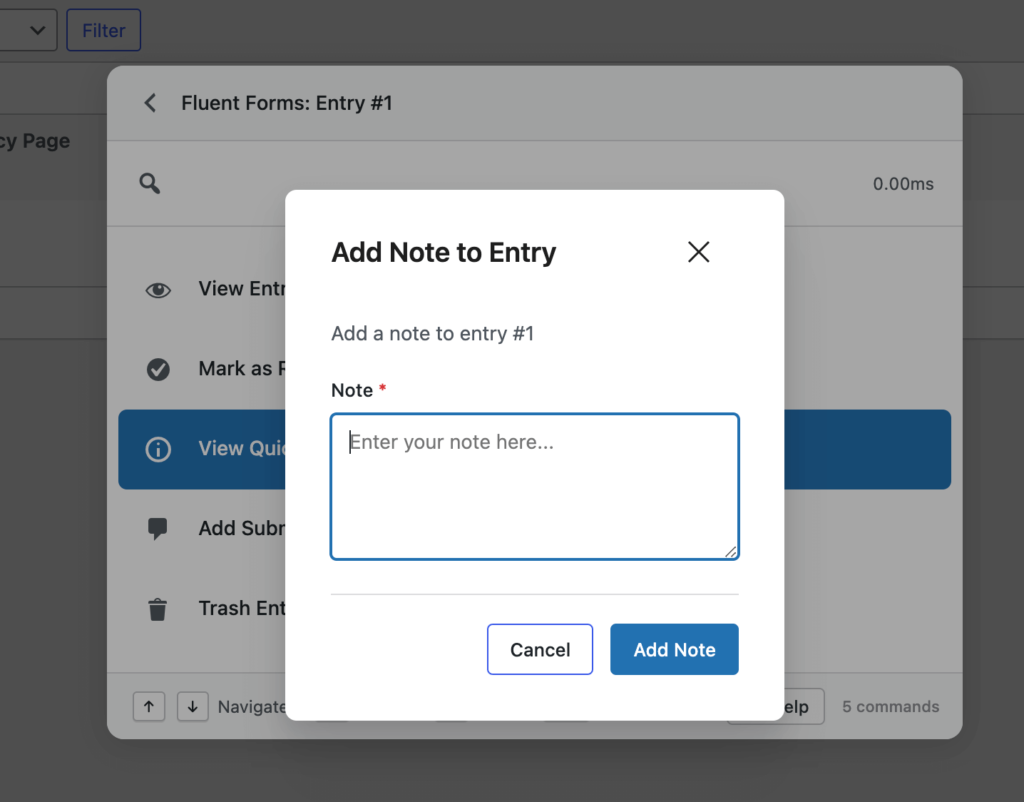
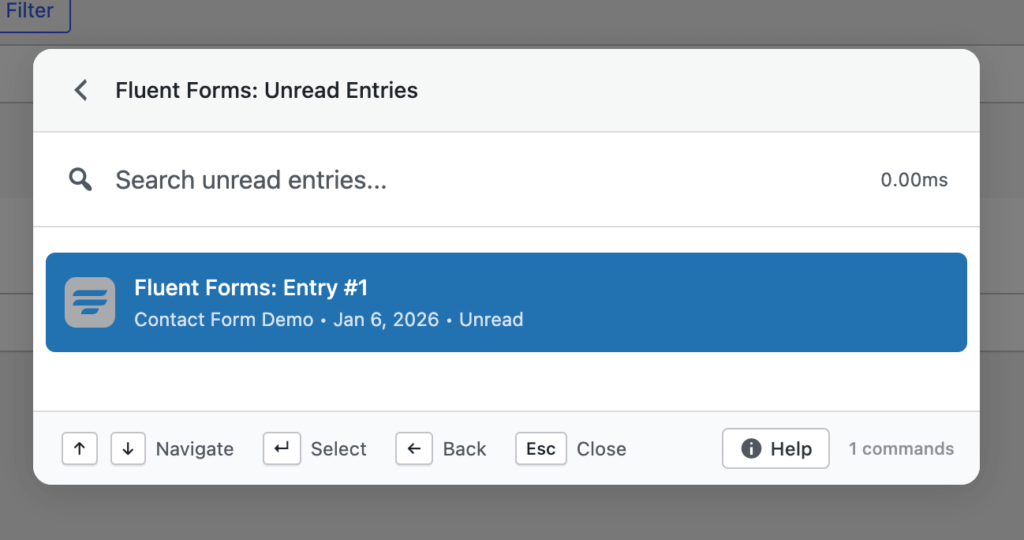
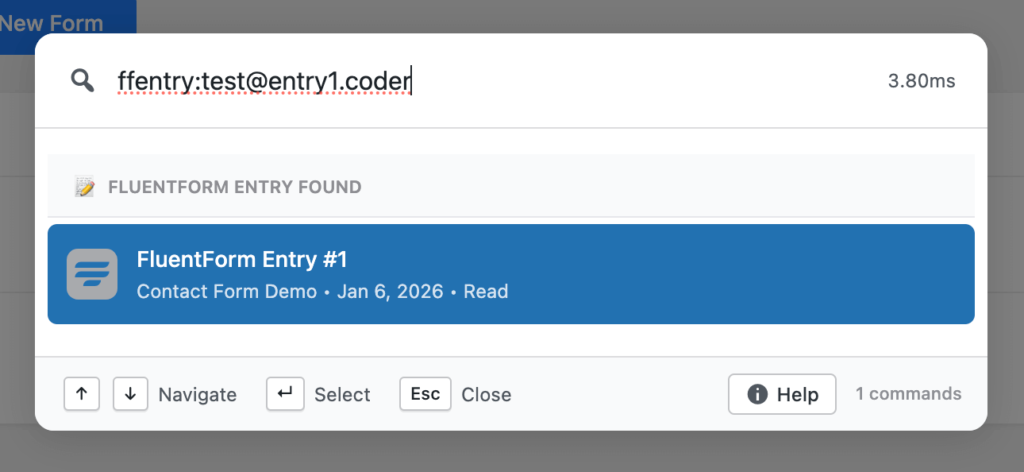
This integration focuses on speed, accuracy, and real actions, not just navigation.
Search Fluent Forms Instantly #
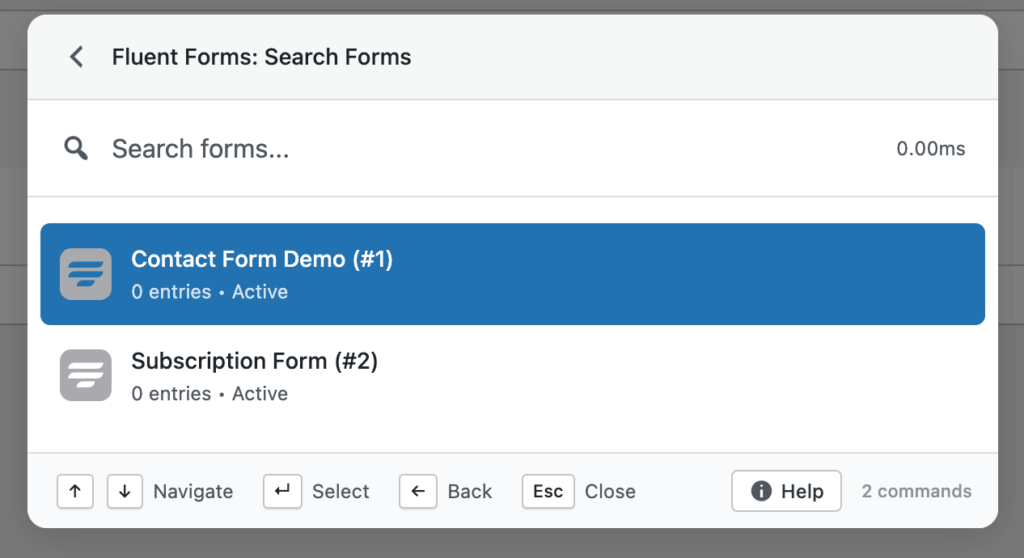
Commandify lets you search all Fluent Forms directly from the command palette.
You can locate forms by name, keyword, or partial match, even on sites with dozens or hundreds of forms. Search results load instantly and include contextual information to help you identify the correct form quickly.
Available Actions on Forms
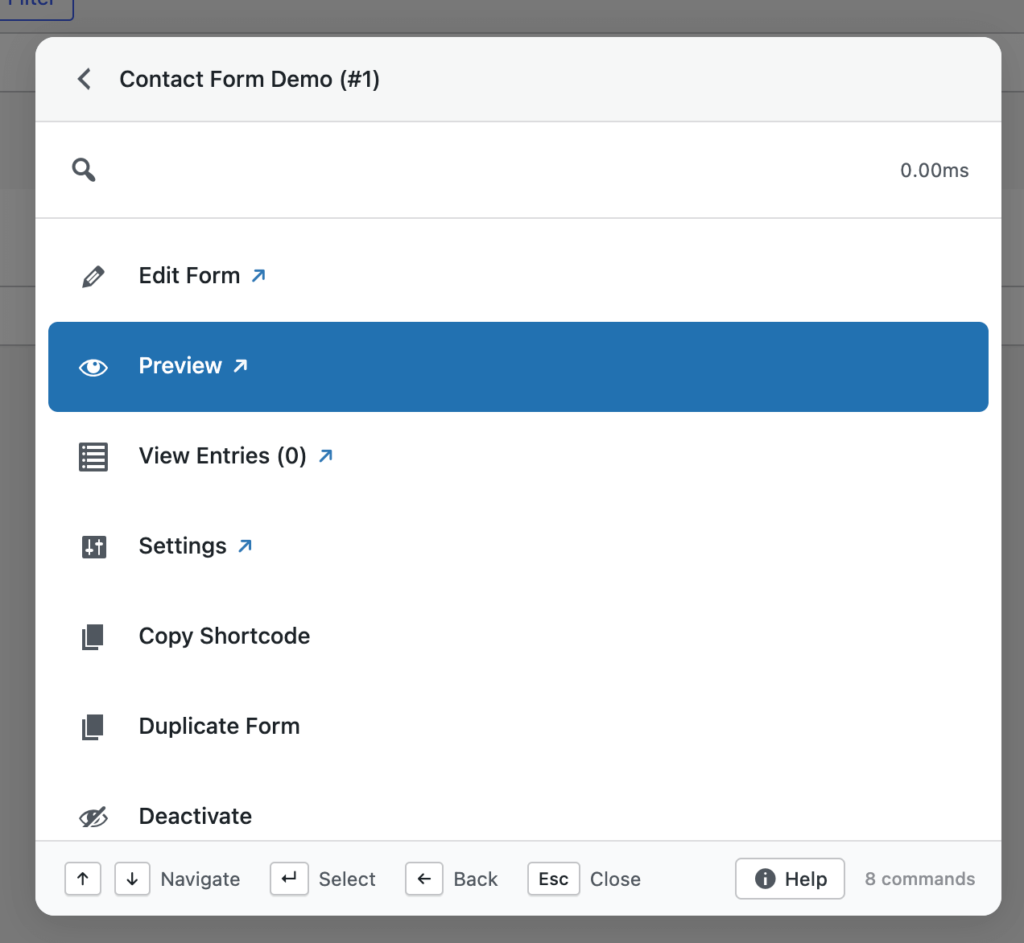
Once a form is selected, you can perform common actions immediately, such as:
- Edit the form
- Copy the form shortcode
- Duplicate the form
- Delete the form (with confirmation)
- View form entries
- View related transactions (if applicable)
This removes the need to open the Fluent Forms dashboard just to perform routine actions.
Search and Manage Form Entries #
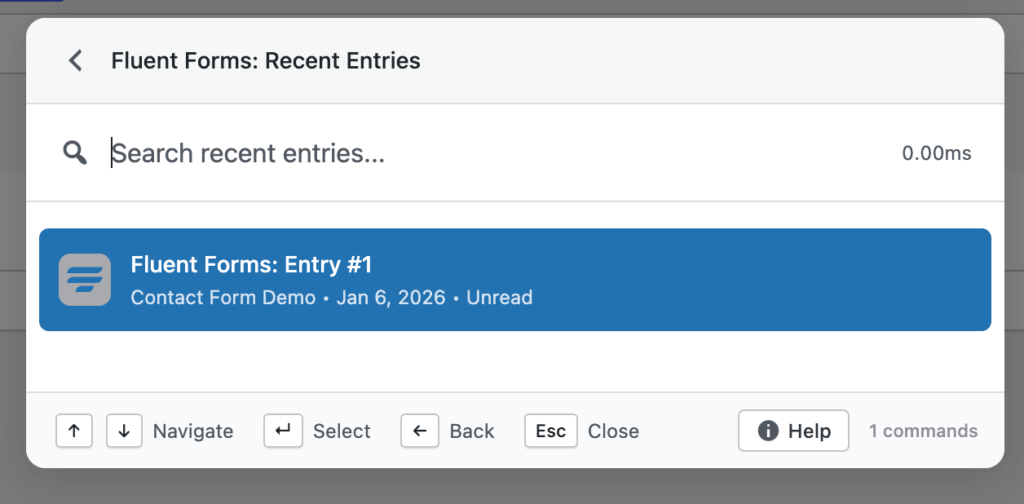
Commandify allows you to search Fluent Forms entries directly from the palette.
Entries can be located using:
- Entry ID
- Email address
- Related form
This is especially useful for support teams and administrators who frequently need to look up user submissions.
Entry-Level Actions with Commandify
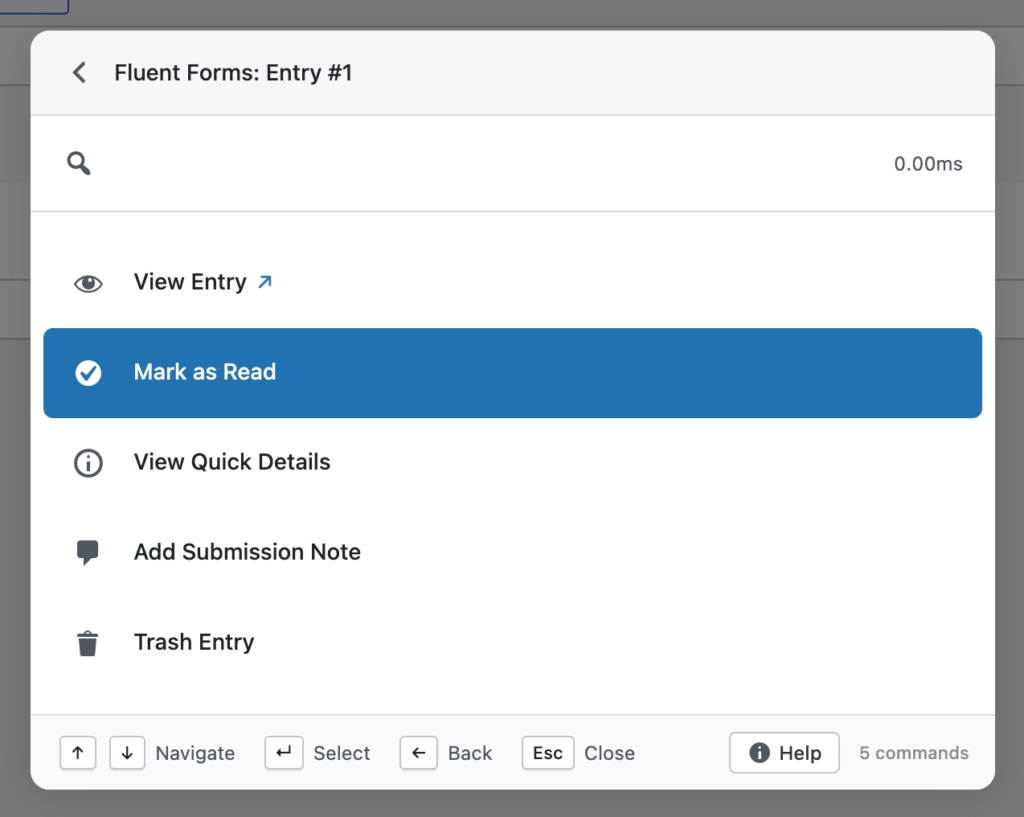
From a single command, you can:
- View entry details
- Copy submitted email addresses
- Review submission data
- Perform form-specific actions without loading the Fluent Forms UI
This dramatically speeds up troubleshooting, support responses, and data verification workflows.
Pattern Recognition for Fluent Forms Entries #
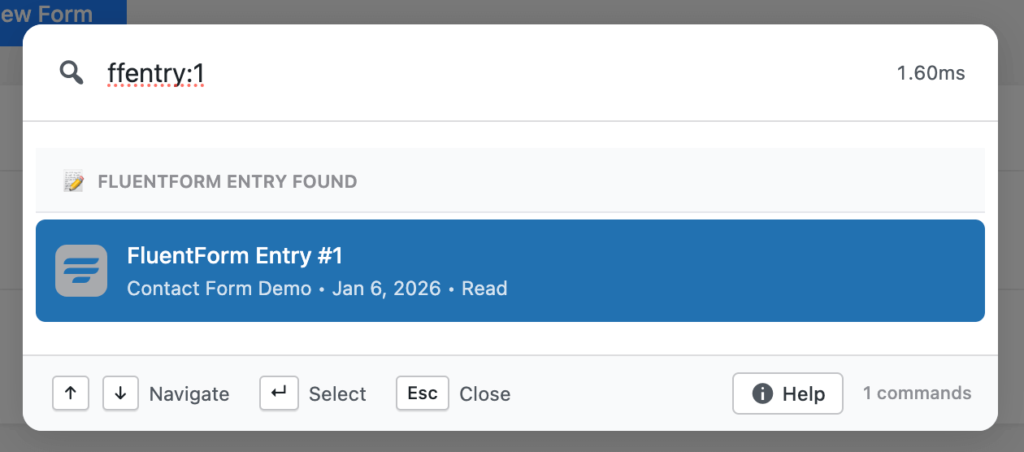
Commandify supports dynamic pattern recognition for Fluent Forms.
Supported Patterns
ffentry:123→ Instantly opens entry ID 123- Paste an email address → Finds matching form submissions automatically
This feature is ideal when you receive an entry ID or email from a customer and want to jump straight to the relevant data without searching manually.
Find Posts and Pages Containing Fluent Forms #
Commandify can search posts, pages, and custom post types that contain Fluent Forms shortcodes.
Search results clearly indicate:
- Which post type contains the form
- Which Fluent Form is embedded
- Quick actions to view or edit the content
This helps you quickly locate where a specific form is being used across your site — especially valuable on large or long-running websites.
Transaction Search (Fluent Forms Pro) #
For sites using Fluent Forms payment features, Commandify also supports transaction-level search.
You can:
- Search transactions by reference or email
- Review transaction-related form data
- Take contextual actions directly from the palette
This makes Commandify particularly useful for handling payments, subscriptions, and form-based checkouts.
Performance & Security Considerations #
The Fluent Forms integration is built with performance and security in mind:
- Uses optimized search queries for fast results
- Respects WordPress capability checks
- Prevents unauthorized access to form data
- Ensures confirmation dialogs for destructive actions
- Avoids unnecessary page loads to reduce admin overhead
All actions are executed safely using WordPress-native permissions and APIs.
When Fluent Forms Plus Commandify Is Most Useful #
This integration is especially valuable if you:
- Manage high-volume contact or support forms
- Handle form-based payments or transactions
- Frequently search entries by email or ID
- Maintain multiple forms across large sites
- Provide client or customer support inside WordPress
By keeping everything inside a single command interface, Commandify reduces friction and keeps your workflow focused.
Requirements #
To use the Fluent Forms integration:
- Commandify Pro v1.0.5 or later
- Fluent Forms (Free or Pro)
- WordPress 6.2 or later


